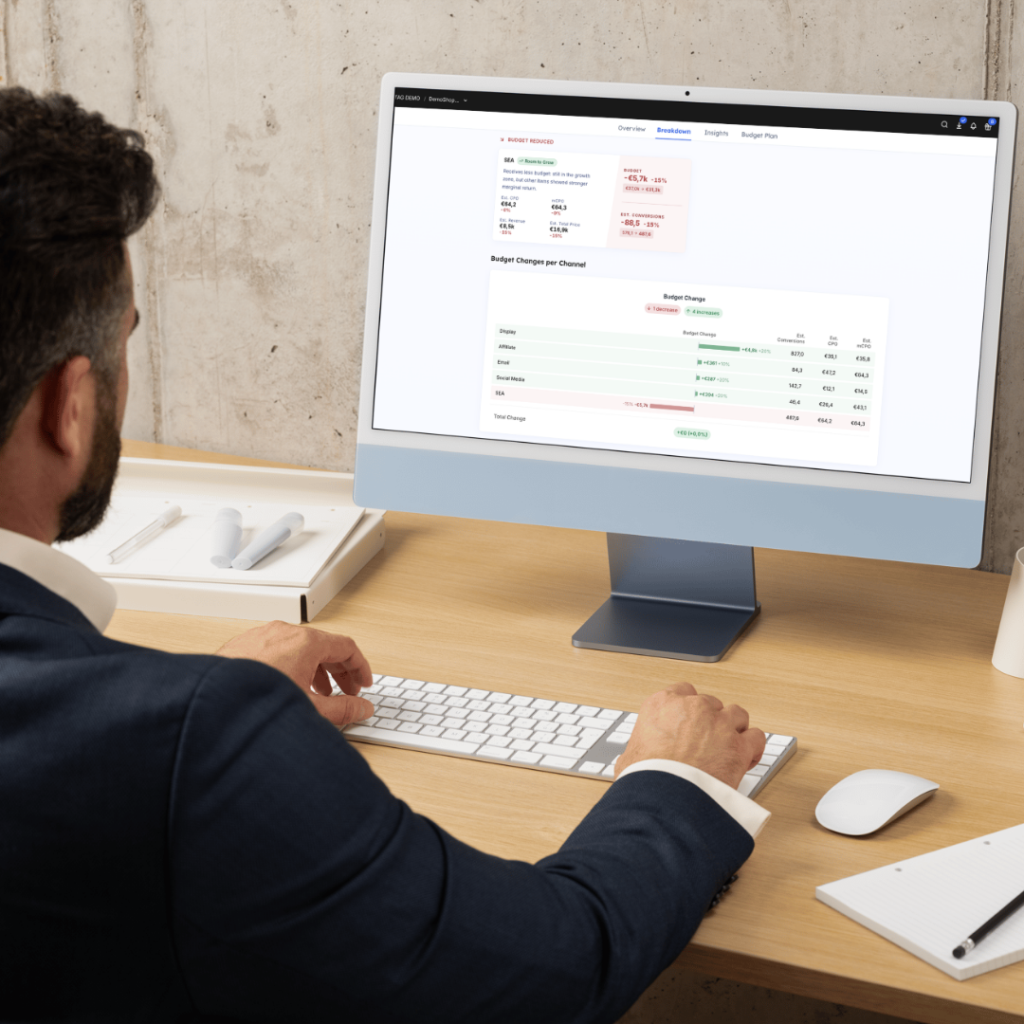
You have a total budget, and it has to work as hard as it can. How do you allocate it optimally? Where is the untapped reallocation potential, and which channels are already at their limit?
Forecast, recommendation, scenario planning: each one sounds like the answer. Feed in your spend, press “optimize”, and the tool tells you exactly how to distribute your budget and what will happen next. But do you actually know where that answer comes from? The data underneath it, the logic that turned that data into an answer, and the level of detail it is actually working at? Most tools do not make any of that easy to see.
Here is the real problem: forecast, recommendation, and scenario planning are not the same claim, and most tools do not make clear which one they are actually giving you. That difference decides whether you are steering your budget on something real, or just on a well-dressed guess. This article gives you the questions to ask before you trust any of them.
Three words, three different promises
Forecast, prediction, trend analysis: All three claim to tell you what will happen: usually by taking a historical trend and projecting it forward, on the assumption that the pattern continues. Call it a forecast, a prediction, or a trend analysis: the promise stays the same. So does the risk: it claims certainty about a future that has not happened yet.
Recommendation claims a tool has decided what you should do. That sounds directive and confident. What usually sits behind it is a single point read off a fitted curve, with no visibility into how reliable that curve is, what data it rests on, or what the alternatives would have looked like. A recommendation without that context is not a decision aid. It is a verdict you are asked to take on faith.
Scenario planning goes further still. Instead of handing you one suggested answer, it lets you test different allocations against each other, and against reference points like your historical performance or an unconstrained ceiling, so you can weigh the trade-offs yourself before you commit budget.
Eleven questions worth asking
Every vendor will claim their tool is accurate, data-driven, and built for exactly your situation. That claim is not something you can verify from a pitch deck, but the logic, the data, and the level of control behind it are. Ask about those directly, and you will know whether you are using a result you can defend or just a number that sounds confident.
We have added a third column showing where Exactag’s AdSpend Optimizer stands on each one, so you can judge it with the same rigor you would apply to anyone else’s tool.
TABELLE
| Why it matters | Exactag | |
|---|---|---|
| Is the optimization logic generic, or built for the shape of a budget-allocation problem? | Why it matters Generic solvers were not built for multiple curves, constraints, and steering levels at once, and it shows directly in how fast the answer converges and how good it actually is. | Exactag Exactag’s AdSpend Optimizer builds a response curve for each item fresh with every run, based on your own attribution and modeling data, and directs budget across those curves to the optimum combination. |
| Whose data is this reading, your own independent measurement, or numbers a platform reports about its own channels? | Why it matters A platform grading its own homework is not a neutral input. Neither are third-party benchmarks or generic reach data that reflect no one’s actual account, customers, or channel mix. | Exactag Response curves are built directly from Exactag’s own attribution and modeling results, not from third-party data, platform-reported metrics, or generic benchmarks. |
| Does it read only clicks, or views and offline media too? | Why it matters Offline media (TV, radio, print, OOH, …) can be part of the optimization. Exactag’s AdSpend Optimizer includes those channels alongside digital ones, taking into account not only click-attributed effects but also view-driven impact. The outcome it optimizes for is still your online shop; store and other offsite conversions are on the roadmap. | Exactag Offline media (TV, radio, print, OOH, …) can be part of the optimization. Exactag’s AdSpend Optimizer includes those channels alongside digital ones, taking into account not only click-attributed effects but also view-driven impact. The outcome it optimizes for is still your online shop; store and other offsite conversions are on the roadmap. |
| Is a euro credited to when it was spent, or to when the conversion eventually landed? | Why it matters With delayed conversions, the same euro can read differently depending on which moment gets the credit, independent of when the money actually went out. | Exactag Exactag’s AdSpend Optimizer credits the period of the touchpoint, not of the conversion. The euro you spent in March is anchored in March, even if the conversion lands in April. |
| How deep can you actually steer, channel level only, or down to sub-campaign and publisher? | Why it matters “Invest more in Display” is not a decision you can act on. | Exactag As granular as the decision you need to make: channel, sub-campaign, publisher, or any combination of those, freely mixed within one scenario, even per channel. |
| Does it optimize for the metric you actually care about, or only the one it is built around? | Why it matters Optimizing for sales volume and optimizing for revenue can point to completely different channels. A tool that only shows one metric is answering a question you might not have asked. | Exactag Any standard or custom metric configured on your account, commonly conversions, revenue, or total order value, which lets you effectively optimize toward ROAS or cost-per-order. Every other configured metric is shown alongside as its estimated impact. |
| Are the curves fixed, or do they reflect the period you are actually planning against? | Why it matters A summer campaign and a winter one are not the same thing. A curve trained once and reused for every scenario averages that difference away. | Exactag Curves are built fresh every time you run a scenario, against the comparison period and steering level you picked, and a different window can produce a different curve. |
| Is there a curve underneath the channel, or just one average line across it? | Why it matters A channel is rarely one uniform thing. A sub-campaign already at saturation and one still growing look identical once averaged into a single line. | Exactag Where the data allows, Exactag’s AdSpend Optimizer looks at the structure below your chosen steering level and uses that detail when fitting each curve, so a sub-campaign already in saturation is not flattened by another still in growth. |
| Can you see the curve itself, or only the final number? | Why it matters A number without the curve behind it is a claim you take on faith. Seeing where your current spend sits on the curve is what lets you judge the result yourself. | Exactag Every item’s response curve is visible on the results page, with historical spend, the optimized scenario, and the remaining headroom plotted directly on it. |
| Do you get a single number, or a reference point to judge it against? | Why it matters An optimized figure alone does not tell you what pure reallocation would have delivered, or what the ceiling looks like without any constraints. | Exactag Every scenario is framed against three automatic reference scenarios: Historical, Business as Usual, and Unconstrained. That way you see what the result is worth against three different baselines. |
| Is data quality visible, or is it a black box? | Why it matters Not every channel has the same amount or reliability of history behind it. Without visibility into that, you cannot tell how much weight a result deserves. | Exactag An item needs at least 28 days of data for a curve to be fitted, 8 weeks is the recommended baseline. Below that, the item is shown but not optimized, and its historical budget and outcomes pass through unchanged. |
What a trustworthy budget tool needs to show you
So before you trust a number enough to shift budget on it, here is what to actually check.
Its own data, not the platform’s. Is the tool reading your independent attribution, or numbers Google and Meta report about their own channels? A platform grading its own homework is not a neutral input.
A curve, not just a number. Can you see how the tool got to its answer, and where your current spend sits on that curve, or do you just get a headline figure to trust blindly?
Granularity below channel level. “Invest more in Display” is not a decision you can act on. “Publisher X within Display has headroom, Publisher Y is saturated” is.
Speed that supports real exploration. If testing “what if we capped this channel at €40k” takes too long, you will test it once. If it takes seconds, you will test it properly.
More than one reference point. A single optimized number tells you where to go. It does not tell you what you would gain by getting there, or what the ceiling looks like if every constraint were lifted.
The metric you actually care about. Optimizing for sales volume and optimizing for revenue can point to different channels entirely. A tool that shows only one is answering a question you might not have asked.
A place for brand. Most tools quietly exclude brand investment or freeze it as a fixed constraint, leaving performance and brand budgets planned in two disconnected processes.
FAQ AdSpend Optimizer
What is the AdSpend Optimizer?
The AdSpend Optimizer is a budget planning and optimization tool that shows optimization potential across your campaign structure. It finds the budget allocation that works toward your goal most efficiently. It closes the gap between measurement and budget decisions: it turns attribution and modeling results into choices at the level you actually control.
What makes the AdSpend Optimizer valuable?
It adapts to the actual planning decision and business context. By choosing the level of detail, the channels you include, and the metric you are optimizing for, you can answer anything from a tactical question (which publisher within a campaign still pays off) to a strategic one (how to split budget across channels).
Does the AdSpend Optimizer replace my media planning process?
No. It gives you a shared, data-grounded reference point to bring into the process you already have.
How does the AdSpend Optimizer work?
It builds a response curve for each item, for example a channel, fresh with every run, based on your own attribution and modeling data. An algorithm then directs budget across those curves to the optimum combination.
How is the AdSpend Optimizer different from a forecast, a prediction, or a trend analysis?
It is a scenario simulation, not a forecast. It reads response curves built from your own measurement results and shows, under the assumption of stable market conditions, what allocation gets you the highest estimated outcome.
Can I include offline channels and store conversions?
Offline media (TV, radio, print, OOH,…) can already be part of the optimization. The AdSpend Optimizer includes those channels alongside digital ones, using attribution modeling extended to capture their impact. The outcome it optimizes for is still your online shop: purchases, sign-ups, and other tracked actions on your website and app. Store and other offsite conversions are on the roadmap, not yet available.
What is the recommendation based on?
The AdSpend Optimizer builds one response curve per item from your own measurement results, then finds the allocation with the highest estimated outcome for the metric you are optimizing for. Every scenario is framed against three automatic reference scenarios: Historical, Business as Usual, and Unconstrained. That way you see what the result is worth against three different baselines, not just a single number.
What data does the AdSpend Optimizer need, and how far back does it look?
It uses up to 24 months of your own measurement data, weighted so recent performance counts more. Every item’s data sufficiency is visible before you act on it. An item without enough reliable history is shown but excluded from optimization, so its historical budget and outcomes pass through unchanged instead of being silently modeled on thin data.
Which KPIs can I optimize for?
Any metric you have set up in your account, commonly conversions, revenue, or total order value, which lets you effectively optimize toward ROAS or cost-per-order. Every other metric you track is shown alongside as its estimated impact, so trade-offs are visible before the plan goes out.
How granular can I steer the optimization?
As granular as the decision you need to make: channel, individual campaign, publisher, or any combination of those, freely mixed within one scenario, even per channel. A CMO can work at channel level for direction-setting; a media planner can go down to individual campaign and publisher level for day-to-day decisions.